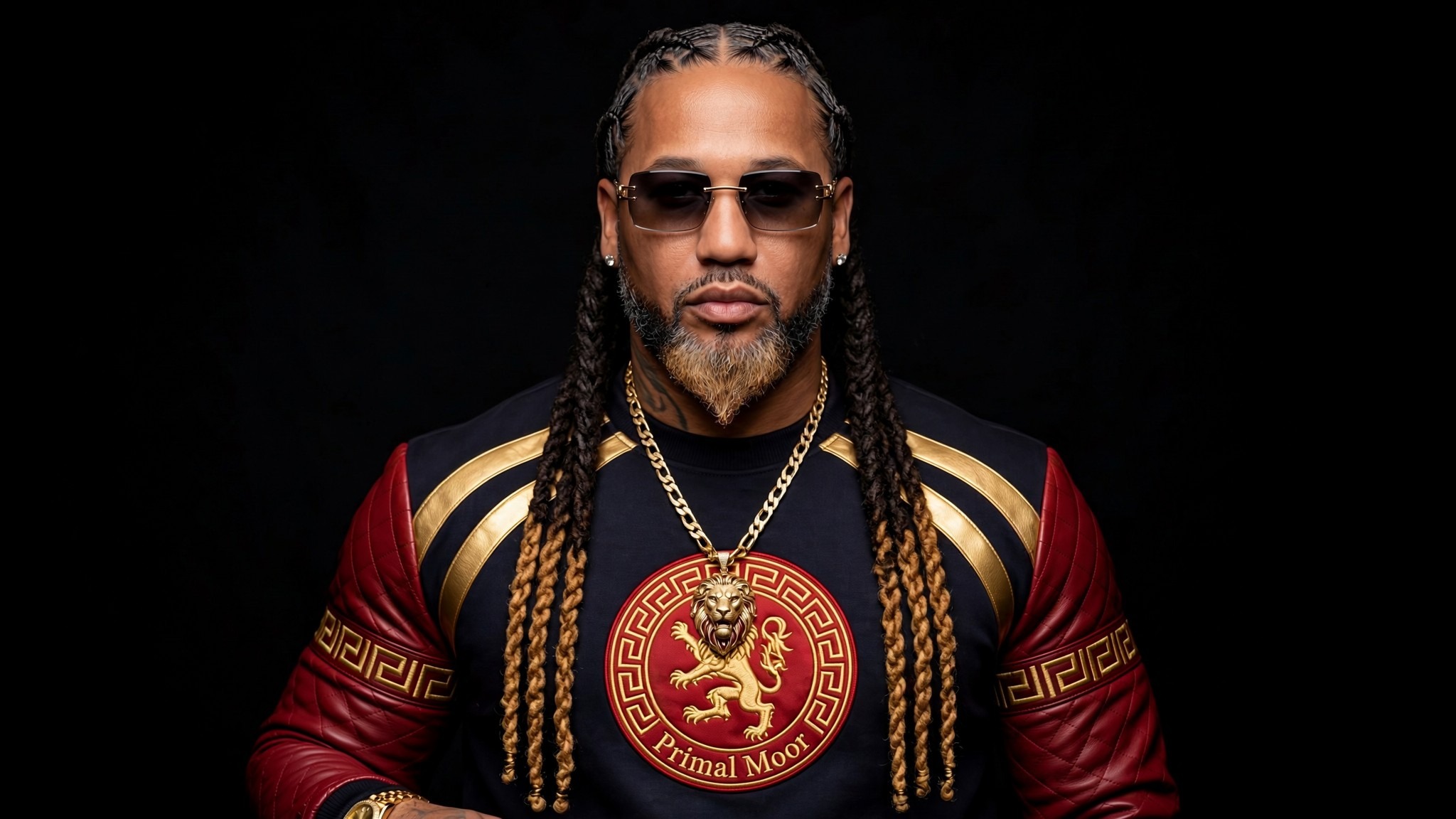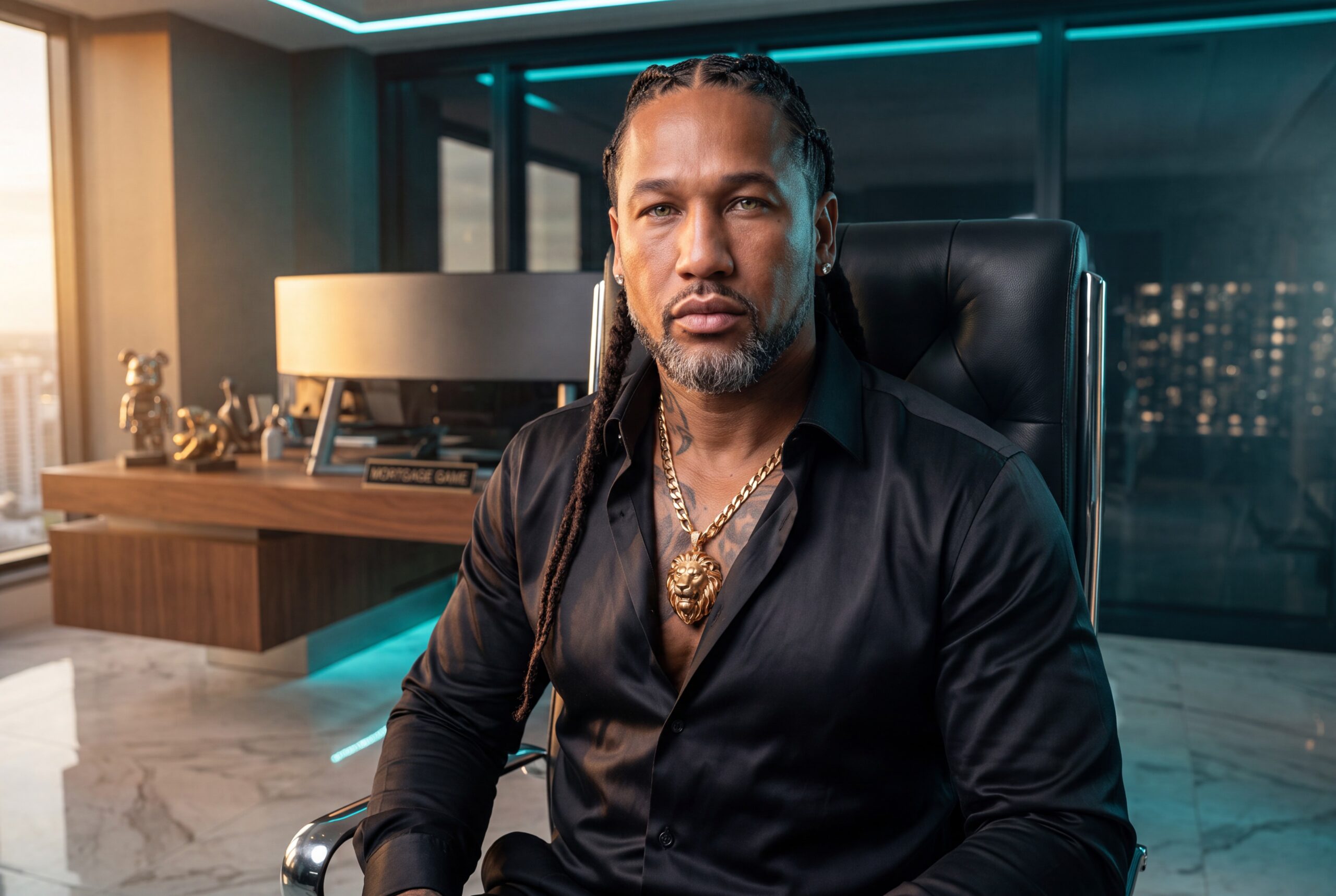

How to Create Your Own AI Avatar With HeyGen and MogulVision AI
Turn one realistic image and one strong speech into a digital presenter for Instagram, TikTok, Facebook, YouTube, training videos, and business content.
Your AI avatar should do more than move its lips.
It should look like you, sound like you, teach what you know, and represent your business when you cannot stand in front of a camera.
The first question is not which app to use. Ask, “What job will my avatar perform?” Then create the look, message, and voice around that purpose.
This guide explains how to create your own AI avatar with HeyGen and MogulVision AI. No coding, film crew, or expensive studio is required.
The Short Executive Answer
Use MogulVision AI to create a realistic branded image. Ask a PrimalMogul AI advisor to write the speech. Move both into HeyGen, choose a voice, guide the movement, and format the video for its destination.
The process follows five simple moves:
Choose the job → Create the look → Write the speech → Make it speak → Publish with control
Technology handles production. You remain responsible for the message and final decision.
First, Give Your Avatar a Real Job
Do not create an avatar because it looks cool. Give it a job inside your business.
Your avatar could teach mortgage lessons, explain business credit, introduce products, answer customer questions, deliver leadership messages, or turn an article into a short video. Choose one audience and one purpose for the first project.
Write one sentence before moving forward:
My avatar will help __________ understand __________ so they can __________.
Example:
My avatar will help new business owners understand why they need a clear offer before buying more software.
That sentence keeps the image, speech, and call to action focused on the same result.
Build the Face With MogulVision AI
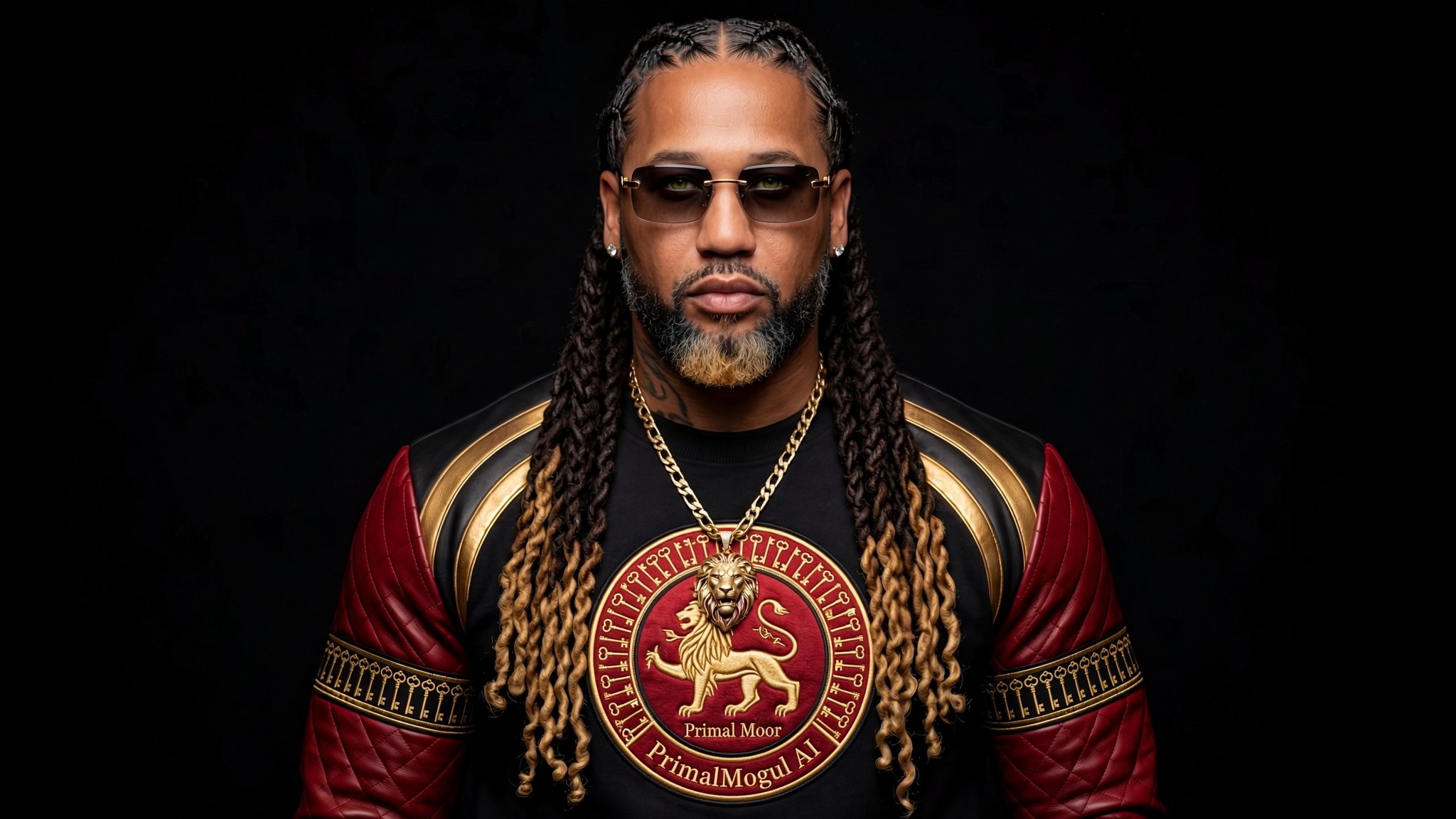
MogulVision AI turns an idea into a clear visual direction. For avatar work, that means creating a believable person who fits your brand and faces the camera.
Begin with a recent reference photo that clearly shows your face. Use good lighting, natural skin detail, open eyes, and no heavy filters. Avoid sunglasses, covered faces, extreme side angles, or crowded backgrounds.
Next, tell MogulVision AI what the final avatar should look like. Include these details:
- Who the person is and the age range
- Body type and visible features
- Clothing and accessories
- Facial expression
- Camera angle and framing
- Background and lighting
- Brand colors or logo placement
- The platform where the image will be used
Here is a simple prompt:
Create a photorealistic half-body image of me facing the camera. Preserve my face, skin tone, age, and natural features. Dress me in a black business jacket and place me inside a modern black-and-gold office. Use soft lighting, a confident posture, and a vertical social media composition. Do not add text, watermarks, or distorted features.
Generate several versions. Check the eyes, teeth, hands, skin, and face shape. Choose the image that looks most believable.
Prepare the Image for HeyGen
HeyGen can turn a still image into a speaking Photo Avatar. Its current Photo Avatar workflow allows users to upload a photo or design a character with prompts, then animate that image to match a script. HeyGen’s Photo Avatar guide recommends a face with human-like proportions for more natural movement.
For a strong starting image:
- Face the camera or turn only slightly.
- Keep the face large enough to see clearly.
- Use a head-and-shoulders or half-body frame.
- Match the image shape to the final platform.
Use a vertical 9:16 image for Instagram Reels, TikTok, Facebook Reels, and YouTube Shorts. Use a horizontal 16:9 image for standard YouTube videos or website presentations.
A consistent face, clothing style, voice, and name help the audience recognize the avatar.
Write the Speech Before You Animate Anything
A beautiful avatar cannot rescue a weak speech.
Open PrimalMogul AI and choose the advisor that fits the subject. Use Chairman AI for leadership, PrimalBroker AI for mortgage and real estate, or PrimalWealth AI for finance and funding-readiness education.
Give the advisor five facts:
- Who is speaking?
- Who should listen?
- What problem are they facing?
- What should they understand?
- What single action should they take?
Use a request like this:
Write a 60-second speech for my AI avatar. Speak to business owners buying tools before fixing their offer. Open sharply, teach one useful lesson, and end by asking viewers to take the Business Power Audit. Make every sentence easy to say aloud.
Read the result aloud. Remove long sentences, repeated ideas, and words you would never say. One minute of natural speech is often about 140 to 160 words, depending on pace.
Bring the Image and Speech Into HeyGen
HeyGen’s Quick AI Avatar Video follows a simple order: choose the avatar, add the script, select the voice and motion, choose the resolution, and generate. It supports portrait and landscape layouts. HeyGen’s Quick Avatar Video guide shows the current steps.
Follow this beginner path:
1. Open HeyGen and create a new Photo Avatar.
2. Upload the image created with MogulVision AI.
3. Open Quick Avatar Video or AI Studio and choose the correct screen shape.
4. Paste the speech and select an approved voice.
5. Preview the voice and choose the motion option.
6. Generate the video and watch it from beginning to end.
Avatar V can follow more of your personal movement by learning from a 15-second reference video. HeyGen’s Avatar V guide explains the process.
Start with a Photo Avatar if you want the easiest path. Move to Avatar V when personal movement and greater identity consistency become important.
Make the Voice and Movement Feel Human
The voice carries the emotion. The image carries the identity. Movement connects the two.
HeyGen lets users choose a public voice or create a personal voice inside AI Studio. Its current voice guide explains the choices.
Only clone your own voice or a voice you have written permission to use. Never make another person appear to endorse, teach, or sell something without clear approval.
Add short pauses after important lines. Slow down names, numbers, and calls to action. Adjust any voice that sounds rushed.
Movement prompts should stay simple. Use one action with one emotion, such as “The avatar nods confidently and looks at the camera.” Too many gestures can make the performance unstable. HeyGen’s motion prompt guide provides more examples.
Turn One Avatar Video Into a Social Asset
Do not post a motionless talking head for seventy seconds. Change the visual every few seconds. Show the dashboard, product, article, checklist, or real footage that supports the speech.
Add large captions. Keep the first sentence immediate. Skip the logo animation and long greeting. Put the main argument first.
Use vertical video for Reels, TikTok, and Shorts. Use horizontal video for longer YouTube lessons. Add a short caption and finish with one action, such as commenting a keyword or visiting the website.
Be open about the technology. TikTok provides an AI-content label. YouTube requires disclosure when realistic content makes a person appear to say or do something that did not occur. TikTok’s AI content guidance and YouTube’s disclosure guide explain the current rules.
Mistakes That Make an AI Avatar Look Cheap
Weak avatars fail for simple reasons. The face changes, the script sounds stiff, the voice rushes, or the avatar stays full-screen too long.
Do not hide the technology. Tell the audience what the avatar is, who controls it, and why you built it. A truthful explanation can strengthen trust.
What This Means for the PrimalMogul AI Reader
An AI avatar can give your company a consistent presenter, turn written knowledge into video lessons, and help one idea travel across several platforms.
The deeper lesson is control. Decide the purpose, approve the image, review the speech, and check every claim before the technology performs the production work.
Your First Avatar Session
Set aside one focused hour.
Spend ten minutes choosing the job and audience. Use fifteen minutes to create the image in MogulVision AI. Spend fifteen minutes writing the speech. Use the remaining time to build and review the HeyGen video.
Your first video does not need to be perfect. It needs to be honest, useful, recognizable, and ready for improvement.
Power Conclusion: Build the Messenger, Then Build the Message
An AI avatar is not a shortcut around knowledge. It is a new way to deliver knowledge.
The strongest avatar has a real point of view. Your face matches the brand. Its speech teaches something useful. Its owner checks every message.
Give the avatar one job. Create one believable look. Write one strong speech. Produce one video. Study the response and improve the next one.
AI performs the production. You remain the mind behind the message.
Frequently Asked Questions
What is an AI avatar?
An AI avatar is a digital presenter created from an image, voice, and script. It can speak without requiring the real person to record every video.
Can I create an avatar from one image?
Yes. HeyGen’s Photo Avatar tools can animate a still image. A clear, front-facing image usually produces better results than a dark, filtered, or side-facing photo.
Should I use Avatar IV or Avatar V?
Use a Photo Avatar and Avatar IV for a simpler image-based workflow. Consider Avatar V when you want movement that more closely follows your reference video.
Do I need to clone my voice?
No. You can choose a public voice. Only clone a voice you own or have permission to use.
Can MogulVision AI make the avatar look exactly like me?
It can create an image from your reference and instructions, but you must review the face, hands, teeth, clothing, and brand details.
Can I post the same video everywhere?
You can reuse the message, but adjust the screen shape, caption, opening, and length for each platform. Always review the platform’s current AI-labeling rules.
Is HeyGen included with PrimalMogul AI membership?
HeyGen is a separate service and may require its own account or credits. PrimalMogul AI prepares the image, speech, education, and workflow used with it.
Create Your Master AI Avatar With PrimalMogul AI
Activate PrimalMogul AI membership and build your avatar through one connected business intelligence system.
- Create the look: Use MogulVision AI to design realistic, brand-matched avatar images, outfits, settings, and visual directions.
- Write the message: Use PrimalMogul AI and the specialized advisors to create speeches, hooks, lessons, and calls to action that sound human and serve a real business purpose.
- Build the system: Follow member workflows that move one image and speech into a repeatable HeyGen video process for social media and YouTube.
Elite is the strongest starting point for creators who want more image capacity, premium resources, and deeper content support.
Core Builds. Elite Expands. BoardRoom Commands.